PDA

View Full Version : my first try at editing


Matthew Desmond
March 15th, 2007, 09:06 AM
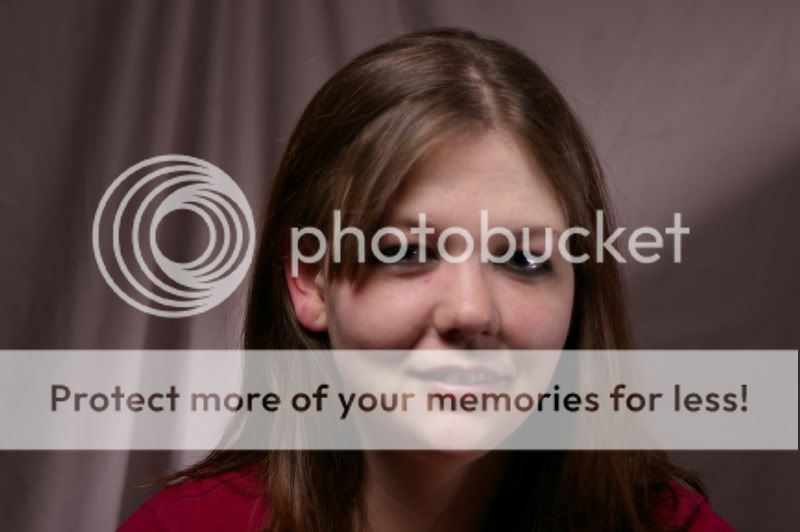
This is my first try at editing a portrait.
I just need some advice on it...

Before
http://i28.photobucket.com/albums/c210/Dezie36/_IGP0771.jpg

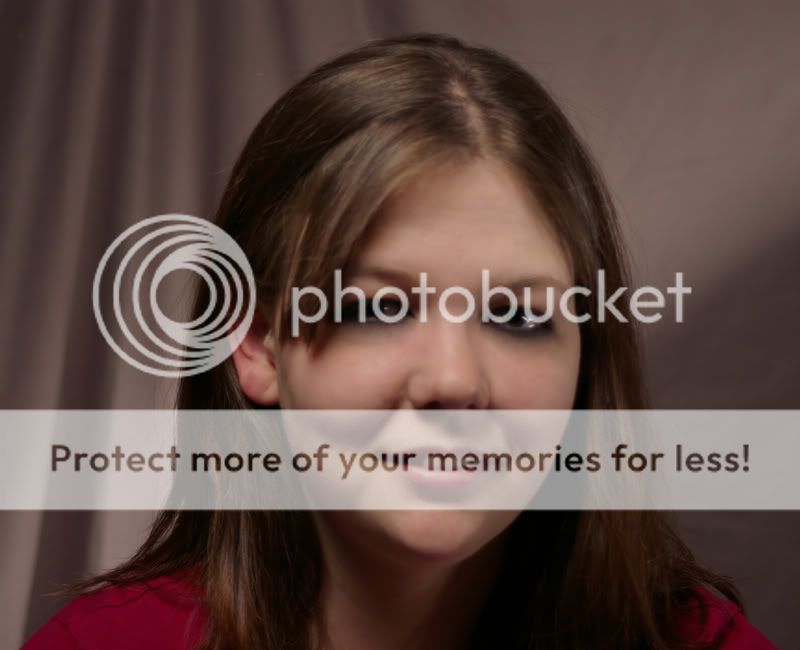
After
http://i28.photobucket.com/albums/c210/Dezie36/katieportraitcopy.jpg

Ken Tanaka
March 15th, 2007, 01:41 PM
Hello Matthew and Welcome.

I am not a portrait photographer so take my comments as personal opinion.

You very effectively eliminated the blemishes from the face and gave the skin a warmer tone. I think that, for what it is, it's fine. Prospectively, I suggest guarding again making your models' faces appear too much like that of plastic dolls (unless that's your objective).

Matthew Desmond
March 15th, 2007, 05:03 PM
Thanks,

I tried it agian with another head shot.


Before
http://i28.photobucket.com/albums/c210/Dezie36/_IGP0808.jpg

After
http://i28.photobucket.com/albums/c210/Dezie36/katieportrait2.jpg

Asher Kelman
March 15th, 2007, 05:56 PM
Mathhew,

The former pictures re likely to please her more.

Apart from the criticism I made, I forgot to see that from my experience, people will like what we know is not perfect. This is still a good picture. you have made a start!

Asher

Paul Bestwick
March 16th, 2007, 06:09 PM
I like what you have done. I also have recently picked up some new skills in this area (much needed given I am a portrait photographer) & I am amazed at what can be achieved. Even if it is a little overdone that is OK cos if you are working in layers you can just reduce the opacity to suit.....

(by the way, how do you attach an image to your post. I would like to post a couple of shots)
Cheers,

Paul

Asher Kelman
March 17th, 2007, 01:06 AM
You need your image on a server. Determine the url of the jpg file.

If you are not sure, drag that image to a new browser window and the url will appear in the web address bar on the top.

Copy that address and insert between

and in your post.

Let me know if there's a problem!

Asher

Paul Bestwick
March 17th, 2007, 01:18 AM
OK.....thanks. The images I want will be online next week so I will have a go then. Actually, tried from my web site.....no go as the files must be embedded in some kind of flash format......
Oh well, not to worry.
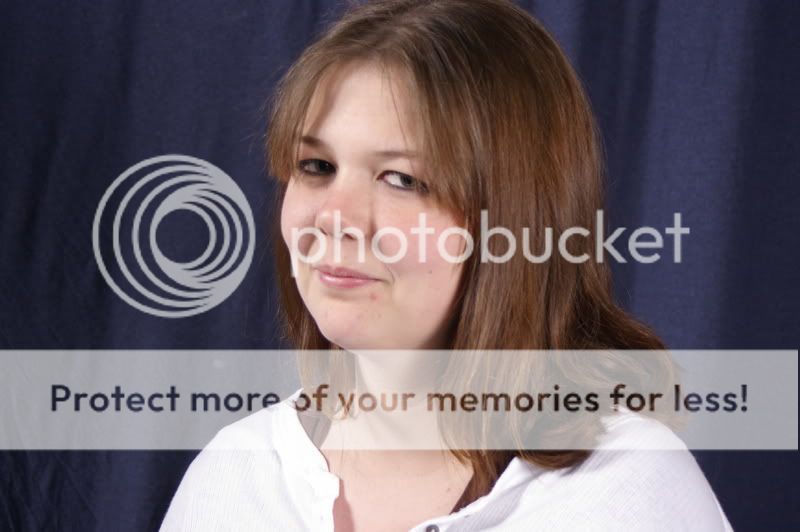
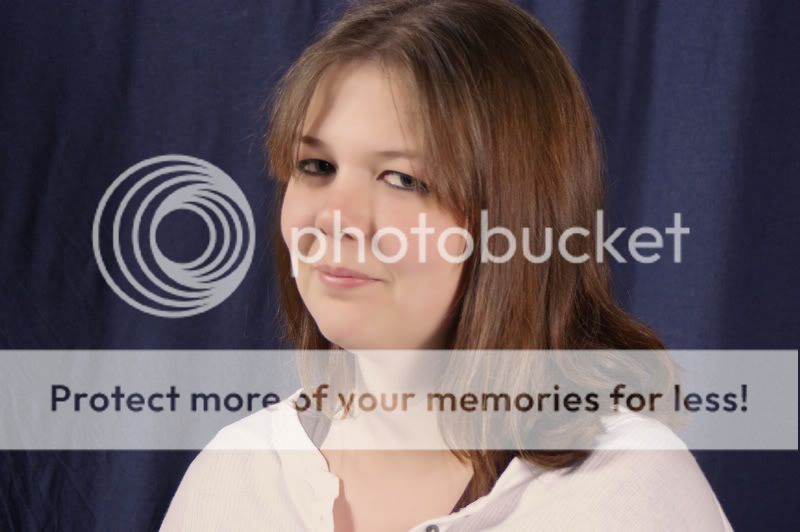
Paul

Jim Davies
April 7th, 2007, 09:35 PM
In the first shot your subject is too close to the background. Bringing her forward will help to make the backround a little more out of focus.

Subject is very central in the frames and they do not look as sharp as they might be. I'm not overly keen on either of your edits.

You are doing the right thing though by taking shots and practicing. Look at how you are lighting the subject. What are you using?