![]() |
|
HOME
FORUMS
NEWS
FAQ
SEARCH
|
|
#1
|
|||
|
|||
|
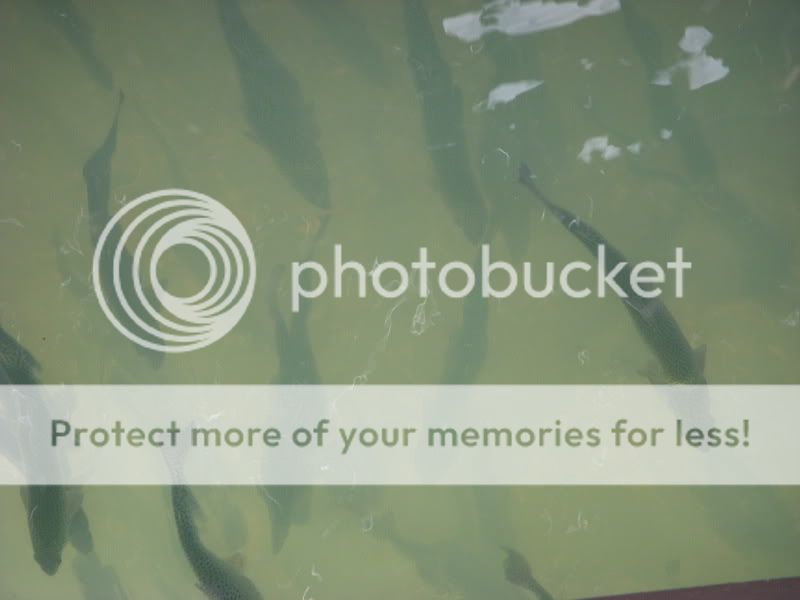
here are some pretty fish i took a picture of... comments always welcome
![]() BJ |
|
#2
|
|||
|
|||
|
Hi Brandon.
This is a good example of how my favorite "do it to every photo" Photo Shop adjustment AUTO CONTRAST can give a photo that extra punch if it needs it. Here is an example using your photo: ![]() What do you think? How is the color? |
|
#3
|
|||
|
|||
|
Wow! thanks... that made it look alot lot better!
|
|
#4
|
|||
|
|||
|
Brandon,
May I inquire, what were you thinking about the picture as you pushed the shutter? Will Thompson, increased the contrast; that's one approach. I like the muted tones in your original. Maybe you could play with the sturation a bit, to your taste. In photoshop, it would be relatively straight forward to remove some of the distracting elements, such as the foam and whiter fish. The picture is reminicient of painted screens I have seen in the orient. I am imagining this now, but I think that one could make use of the clone tools in photoshop to the extend and "correct" the pattern. What do you think? |
|
#5
|
|||
|
|||
|
Well what i was thinking was.. " ooooooo fish!!" im a pretty spontanious person and if i see something that i like i try to get a decent angle with the shot. i like what will T did with the shot... but i am always open to try new things and learn new things, most of the stuff i have done with photoshop is not what photoshop was intended for, for example this image here i made with photoshop, photoshop is usually ment for altering photos and not creating art but making photos better. that being said im not really good at altering the appearence of pictures. however i really want to learn how to, this is one reason i'm taking a photo manipulation/photo art class this summer.
|
|
#6
|
|||
|
|||
|
Like aqua pictures and your pictures are wonderful and original, thanks for sharing.
Jan van den Bos |
![]() |
| Bookmarks |
| Thread Tools | |
| Display Modes | |
|
|